
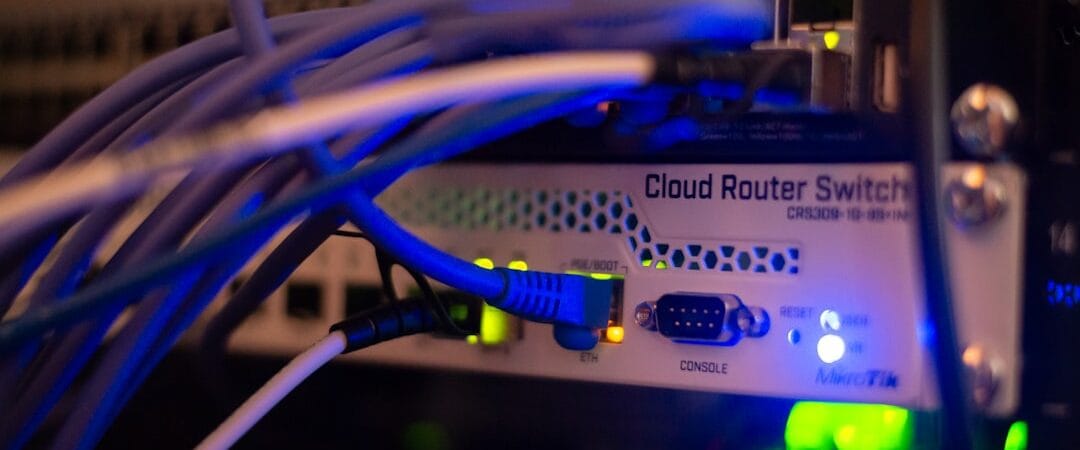
For a growing company, an IT infrastructure checklist for small business is more than a list of computers and network devices. Your network, servers, cloud services, security controls, backups, applications and user devices all work together to keep the business running.
If your business and your IT environment has grown over time, it is easy to accumulate devices, network equipment, servers and software without a clear architecture. This IT infrastructure checklist for small businesses gives you 25 practical areas to review before a small IT issue becomes a business disruption.
What Does IT Infrastructure Include?
Business IT infrastructure normally includes the technology required to connect users, run applications, store information, protect systems and recover from failures. Depending on the company, this can include servers, virtualization, storage, LAN and WAN networks, Wi-Fi, firewalls, cloud services, endpoint security, backup, monitoring and power protection.
There is no single infrastructure design that fits every small business. The right architecture depends on the number of users, locations, applications, data volume, availability requirements, security needs and expected growth.
IT Infrastructure Checklist for Small Business: 25 Key Areas
1. Internet Connectivity
Confirm that your primary internet connection provides enough bandwidth and reliability for cloud applications, email, VPN, VoIP and daily operations. Document the ISP, plan, static IPs, support contact and service terms.
2. Internet Failover
Ask what happens if the primary ISP fails. A secondary connection can provide continuity for businesses that depend heavily on internet-based applications. Where appropriate, configure automatic failover through the firewall or network edge.
3. Business Firewall
Review firewall policies, VPN access, administrative access, firmware status, logging and security services. Firewall rules should be documented and periodically reviewed instead of remaining unchanged for years.
4. Network Architecture
Review switches, routers, uplinks, IP addressing, VLANs, routing and network topology. A documented architecture makes troubleshooting and expansion easier.
5. Wi-Fi Coverage and Security
Check access-point placement, coverage, capacity, authentication and guest access. Business Wi-Fi should be designed for the number of users and devices rather than simply relying on a single consumer router.
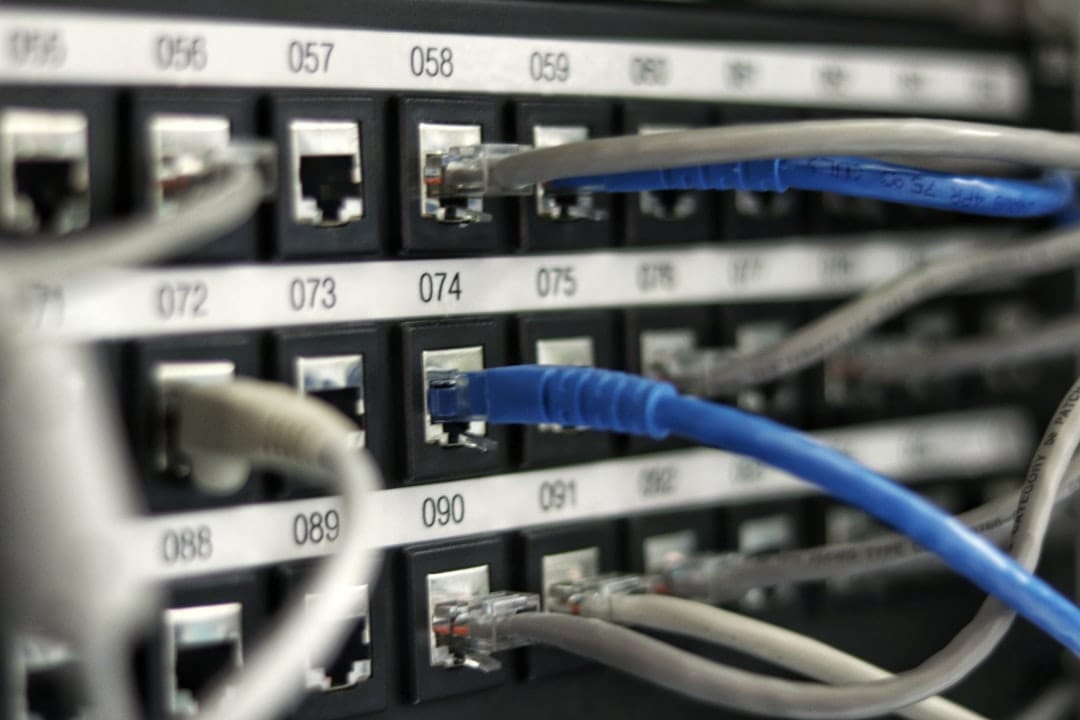
6. Network Segmentation
Consider separating users, servers, guest devices, CCTV, printers, IoT equipment and management interfaces using VLANs and appropriate firewall policies. Segmentation can reduce unnecessary access between different parts of the environment.
7. Server Requirements
List every server workload and identify whether it is physical, virtual or cloud-based. Typical workloads include Active Directory, file services, databases, ERP applications, internal applications and print services.
8. Virtualization Strategy
If multiple workloads run on physical servers, evaluate whether virtualization can improve resource utilization and management. VMware, Proxmox and Hyper-V are examples of virtualization platforms that can support different business architectures.
See our virtualization services page for virtualization design and migration support.
9. High Availability
Identify business-critical systems that cannot remain offline for long. Depending on requirements, high availability may involve multiple hosts, redundant networking, resilient storage, replication or other recovery mechanisms.
10. Storage Capacity
Measure current storage consumption and growth. Include production data, databases, application storage and backup capacity when calculating future requirements.
11. Storage Redundancy
Check whether critical storage depends on a single disk or device. RAID, mirrored storage, ZFS, Ceph, NAS or SAN architectures may be appropriate depending on the workload. Remember that redundancy does not replace backup.
12. Backup Coverage
Make a list of the data and systems that must be recoverable. Verify that backup jobs cover critical virtual machines, physical servers, databases, files and other important business data.
13. Off-Site Backup
A backup stored only inside the same office can be lost along with the production environment. Consider off-site or cloud backup copies appropriate to your recovery requirements.
14. Recovery Point Objective and Recovery Time Objective
Define how much data the business can afford to lose and how quickly critical services need to return. These requirements help determine backup frequency, replication and disaster recovery architecture.
Our backup and disaster recovery services cover planning, protection and recovery requirements.
15. Backup Testing
Do not rely only on successful backup notifications. Test file, virtual machine and application recovery periodically and document the results.
16. Endpoint Security
Review antivirus or endpoint detection and response, operating-system updates, application patching, disk encryption and local administrator privileges across laptops and desktops.
17. Identity and Access Management
Review user accounts, privileged accounts, administrator access, multi-factor authentication and employee onboarding and offboarding procedures. Remove accounts and permissions that are no longer required.
18. Server and Device Monitoring
Monitor availability, CPU, memory, storage, network performance and hardware health. Monitoring should also cover critical services and backup jobs where possible.
19. Network Monitoring
Monitor switches, firewalls, WAN links and important interfaces for outages, errors, packet loss and unusual utilization. Proactive monitoring can provide warning before users report a problem.
20. UPS and Power Protection
Check UPS capacity, battery condition and expected runtime for servers, network equipment and storage. Power protection is an important part of infrastructure reliability.
21. Hardware and Software Inventory
Maintain an inventory of servers, switches, firewalls, access points, storage systems, UPS devices, endpoints, licenses and warranties. Include asset ownership and support information.
22. Network and Infrastructure Documentation
Maintain current network diagrams, IP address information, VLAN details, firewall configuration records, server inventories and backup documentation. Avoid making critical infrastructure dependent on one person’s memory.
23. Security Review
Periodically review exposed services, firewall rules, software versions, administrator accounts, MFA coverage, endpoint protection and backup security. Security controls should evolve as the business changes.
24. IT Support Model
Define who is responsible for infrastructure incidents, user support, vendors, backups, network issues and security events. Small businesses can use internal IT, project-based support, co-managed IT or a managed IT support model depending on their needs.
See our managed IT support services for ongoing infrastructure support.
25. IT Growth Plan
Review expected growth over the next two to three years. Consider employee growth, new branches, cloud adoption, application changes, storage growth, remote work and higher availability requirements before purchasing new infrastructure.
Simple IT Infrastructure Assessment Checklist
Use this quick review to identify areas that need attention:
- Internet connectivity and ISP failover
- Firewall configuration and VPN security
- Switching, VLANs and network segmentation
- Wi-Fi coverage and security
- Server and virtualization capacity
- Storage capacity and redundancy
- Backup coverage and retention
- Off-site and protected backup copies
- RPO and RTO requirements
- Backup recovery testing
- Endpoint protection and patching
- Identity and privileged access
- Infrastructure monitoring
- UPS and power protection
- Asset and infrastructure documentation
When Should a Business Get an IT Infrastructure Assessment?
An assessment is especially useful when a company is experiencing repeated downtime, slow applications, network problems, storage shortages, backup failures or security concerns. It can also help before opening a new branch, replacing servers, moving workloads to cloud, migrating virtualization platforms or taking over an environment from another IT provider.
A structured assessment should identify current-state risks, business impact, recommended improvements and a practical implementation sequence.
IT Infrastructure Services for Businesses
OrbisCloud provides IT infrastructure services covering servers, storage, networking, virtualization, monitoring and business-critical infrastructure. We can also support networking, cloud, cybersecurity, backup and managed IT operations as part of a broader infrastructure strategy.
The objective is not to recommend technology simply because it is new. The objective is to build an infrastructure environment that is secure, reliable, recoverable, supportable and appropriate for the business.
Frequently Asked Questions
What IT infrastructure does a small business need?
Most small businesses need reliable internet, secure networking, appropriate endpoint protection, business applications, data protection and a tested backup strategy. Server, virtualization and cloud requirements depend on the applications and operating model.
How often should IT infrastructure be reviewed?
A practical review can be performed periodically and whenever there is a significant change such as business expansion, new applications, a server replacement, a security incident or a change in cloud strategy.
Should a small business use cloud or on-premise servers?
There is no universal answer. The decision depends on application compatibility, performance, data requirements, connectivity, security, recovery requirements, existing investments and operating costs. A hybrid approach may also be appropriate.
Why is IT documentation important?
Documentation provides a reliable reference for troubleshooting, changes, support handovers and disaster recovery. It reduces dependency on individual administrators and helps new support teams understand the environment faster.
How to Prioritize the Checklist
Not every infrastructure issue needs to be fixed at the same time. Start with the systems that could cause the greatest business impact if they fail or become compromised.
- Critical first: Address internet availability, firewall security, identity and access controls, backup coverage and recovery testing.
- Stability next: Review server capacity, virtualization, storage redundancy, monitoring, UPS protection and network architecture.
- Operational improvements: Update documentation, asset inventories, patching processes and IT support responsibilities.
- Plan for growth: Review expected users, applications, storage, branches and cloud requirements before capacity becomes a problem.
A useful assessment should also record the current condition, business impact, priority, recommended action and target timeline for each finding. This turns a checklist into a practical infrastructure improvement plan rather than a one-time review.
Final Thoughts
A strong small-business IT environment does not need to be unnecessarily complicated. It needs to be planned around the business, protected against realistic risks, monitored, documented and tested for recovery.
If you are unsure whether your current environment is ready for growth, start with an IT infrastructure assessment and work through this checklist one area at a time.
Need help reviewing your IT infrastructure? Contact OrbisCloud for an infrastructure assessment and practical improvement plan.
Request an IT Infrastructure Assessment
Tell us a little about your current IT environment and what you need help with. Our team can review your infrastructure requirements and discuss practical next steps.